

JOIN DISCORD: CLICK HERE
OVERVIEW
VIEW VIDEO
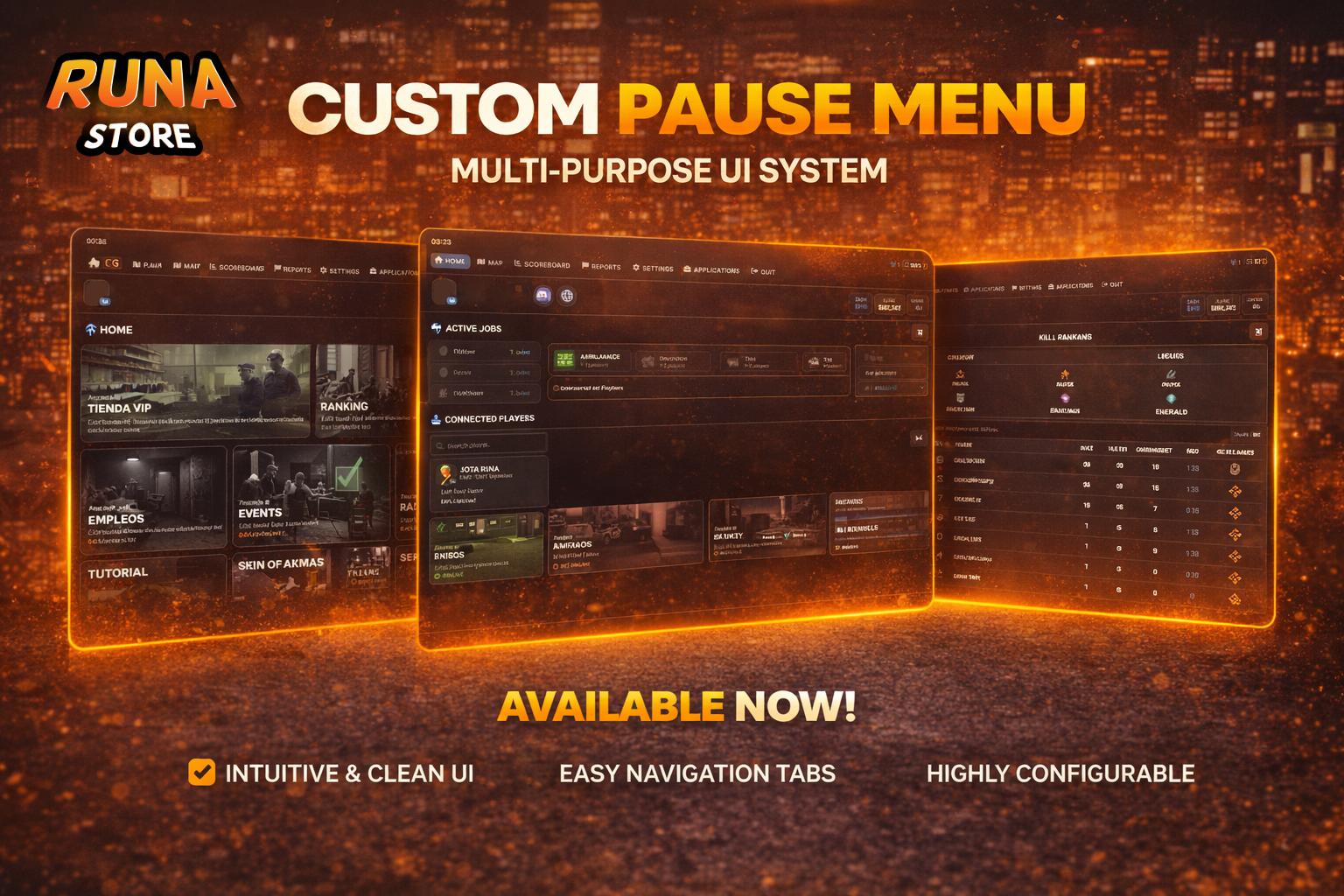
Advanced pause menu.
General Options
Home
Map
Scoreboard
Reports
Settings
Applications
Features
In the HOME options you can add buttons by events or command. You can also disable existing ones.
Open the MAP and SETTINGS options.
Create options or disable existing options.
In the Scoreboard option, add the available jobs and robberies and how many available police officers are required for each robbery.
In the REPORTS section, you can create, manage, and respond to reports. There will also be a score tracker showing who has responded to the most reports.
In the APPLICATION section, you can create posts for different job openings, either for the manager only or as configured in config.lua.
In the HOME section, you'll see buttons with functions such as RANKING, REVIEWS, POPULARITY, DAILY WHEEL, TUTORIAL, and STREAMERS. You can assign an event or command to the other buttons to call another script.
It will display your Discord profile picture, your financial status, name, and job title.
You can change the text and tablet colors, as well as adjust the tablet's scale and move the panel.
Framework
Compatible with ESX 1.2+ and ox_inventory
Synchronization
Fully synchronized with other players.
The duration is checked and synchronized at set intervals (you can adjust the synchronization time in the settings).
Optimization and Files
This feature runs at idle with a latency of 0.01 ms.
This feature uses the FiveM asset repository system.
